Remove PDF Pages
Remove pages from your PDF instantly with this free online PDF Page Remover tool. Upload your file, select the pages to delete, and download a new PDF in seconds. Fast, private, and secure — no watermark, signup, or software needed.
Share on Social Media:
Remove PDF Pages – Free Online PDF Splitter Tool
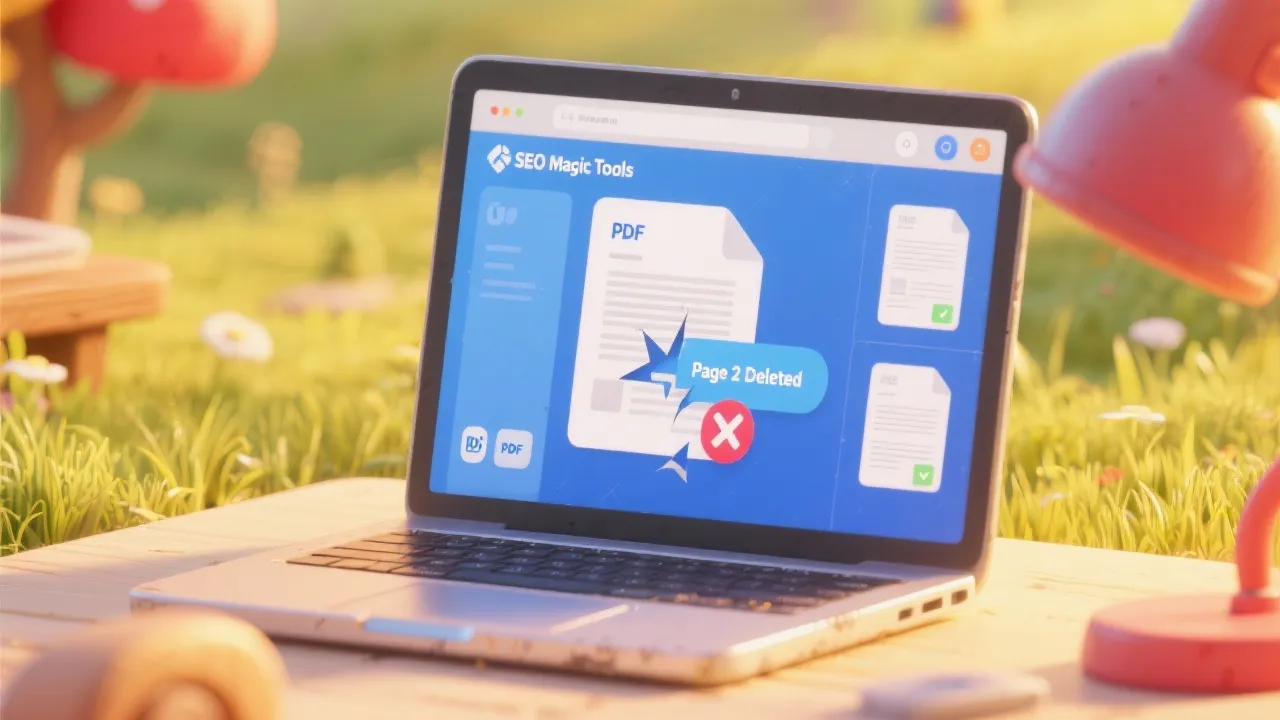
Sometimes your PDF files contain extra pages you simply don’t need — and downloading heavy desktop software just to remove a few pages can be frustrating.
The Remove PDF Pages Tool by SEO Magic Tools makes it quick and effortless to delete or separate pages from any PDF file directly in your browser.
Just upload your PDF, select the pages you want to remove or keep, and download the edited version instantly.
No installation, no registration, no watermarks — just fast, private, and professional PDF editing.
🔹 What Is the Remove PDF Pages Tool?
The Remove PDF Pages Tool is a lightweight online utility designed to help you easily modify PDF documents by deleting, separating, or extracting specific pages.
It uses client-side processing — meaning your PDF file never leaves your browser — ensuring total data privacy and security.
You can use it to:
Delete unwanted pages
Split large PDFs into smaller parts
Create new PDFs by selecting specific pages
It’s ideal for professionals, students, businesses, and anyone who handles PDF documents regularly.
🔹 Why Use a PDF Page Remover Tool?
Editing PDFs often requires expensive software like Adobe Acrobat, but this online tool offers the same core functionality — free and instant.
Here’s why it’s useful:
Quickly Remove Unnecessary Pages: Delete blank, duplicate, or extra pages easily.
Split Long Documents: Extract key sections into separate files.
Reduce File Size: Removing pages can make your PDF lighter and faster to share.
Improve Presentation: Keep only the relevant pages for meetings or submissions.
Ensure Privacy: Delete sensitive pages before sharing with others.
No Software Required: Works entirely in your browser.
It’s the perfect one-click solution for anyone who needs fast, secure PDF customization.
🔹 How It Works
The Remove PDF Pages Tool is built for simplicity and speed:
Upload Your PDF File: Click “Upload” or drag-and-drop your file into the upload box.
Preview Pages: The tool automatically displays each page for easy selection.
Select Pages to Remove or Keep: Choose which pages you want to delete (or extract).
Click “Remove Pages.”
Download Your New PDF: Instantly get your modified file — ready to share or print.
All file processing happens locally in your browser, so your data stays completely private.
🔹 Key Features
✅ Instant PDF Editing: Delete, extract, or rearrange pages in seconds.
✅ No Watermarks: Download clean, professional PDFs.
✅ Private & Secure: Files never leave your computer.
✅ Free & Unlimited: No signups, no hidden fees.
✅ Drag-and-Drop Interface: Simple and intuitive to use.
✅ High-Quality Output: Maintains fonts, formatting, and layout.
✅ Cross-Platform Support: Works on Windows, macOS, Android, and iOS.
🔹 Benefits of Using SEO Magic Tools’ Remove PDF Pages Utility
Fast, Browser-Based Performance: No software or extensions needed.
100% Privacy: Local processing ensures complete data safety.
Accurate Page Deletion: Maintain original structure and formatting.
No Account Needed: Use instantly, free of registration.
Ad-Free Interface: Focused, professional design for productive work.
Unlimited Usage: Edit as many PDFs as you like.
🔹 Step-by-Step Guide
Visit SEO Magic Tools – Remove PDF Pages.
Click “Upload PDF” and select your document.
Wait a few seconds for your file to load and display all pages.
Select the pages you want to remove or keep.
Click “Remove Pages.”
Download the processed file instantly — your updated PDF is ready!
💡 Pro Tip: You can also use this tool to split large PDFs into smaller files by keeping only the pages you want.
🔹 Example Use Cases
📚 Students: Remove extra pages from assignments or combine only necessary notes.
💼 Professionals: Clean up reports, invoices, or proposals before sharing.
🏢 Businesses: Remove confidential pages before sending client documents.
🧑💻 Freelancers: Edit PDF deliverables for clarity and precision.
📈 Marketers: Extract only the key slides or pages from large PDF presentations.
🔹 Example Output
Original File: 12 Pages (2 MB)
Pages Removed: 3, 5, 11
Final File: 9 Pages (1.5 MB)
Output Quality: 100% Original Formatting
🔹 Technical Overview
Input Format: PDF (.pdf)
Output Format: PDF (.pdf)
Processing Type: 100% client-side (browser-based)
Max File Size: Up to 50MB (depending on browser)
Output Quality: Lossless (fonts, images, and layout preserved)
Supported Browsers: Chrome, Edge, Safari, Firefox
Privacy: No uploads, no tracking, no storage
🔹 Why Choose SEO Magic Tools?
SEO Magic Tools provides a collection of privacy-first, high-performance web utilities built for productivity, speed, and reliability.
Here’s what makes this PDF tool stand out:
✅ 100% free and unlimited
✅ Lightning-fast browser processing
✅ Ad-free, clutter-free experience
✅ Secure file handling (no data storage)
✅ Perfectly preserved output quality
Whether you’re managing business documents, academic papers, or digital reports, this tool saves you time and protects your privacy.
🔹 Similar Tools You Might Like
Merge PDF Files
Compress PDF
Split PDF
Convert PDF to Word
PDF to JPG Converter
All part of the SEO Magic Tools suite — Fast. Secure. Simple.
🔹 FAQs
1. What does the Remove PDF Pages tool do?
It allows you to delete specific pages from a PDF and download the updated file instantly.
2. Is it free to use?
Yes, 100% free and unlimited.
3. Are my files secure?
Absolutely — all file processing happens locally in your browser.
4. Does it reduce PDF quality?
No, your fonts, images, and layout remain exactly the same.
5. Can I remove multiple pages at once?
Yes, you can select and remove multiple pages in one go.
6. Is there a file size limit?
Typically up to 50MB (depends on browser performance).
7. Does it add any watermark or logo?
No, all output files are watermark-free.
8. Can I use it on mobile?
Yes, it works perfectly on Android and iOS browsers.
🔹 Final Thoughts
The Remove PDF Pages Tool by SEO Magic Tools is the easiest and most secure way to delete, extract, or separate pages from a PDF file — all within your browser.
It’s ideal for students, professionals, and businesses who want to quickly clean up, shorten, or organize their documents without installing heavy software.
With no signup, no watermarks, and 100% privacy, this tool delivers instant results you can trust.
🚀 Try it now at seomagictools.in/remove-pdf-pages — and remove, separate, or extract PDF pages instantly, free, private, and fast.